Peptide Calculator — Dosage & Syringe Units
You’ve just reconstituted a vial of BPC-157. The powder dissolved, the bac water is in, and now you’re staring at an insulin syringe wondering how far to pull the plunger. The math isn’t hard — but getting it wrong means underdosing, overdosing, or wasting an expensive peptide. This peptide calculator takes four inputs and returns the exact number of syringe units you need to draw, along with a visual fill marker so you can match what you see on your actual syringe.
Peptide Reconstitution Calculator
Pick your syringe, enter what is in the vial and how much water you added, then your dose — the units appear instantly.
- Select your syringe — Choose the total volume of your insulin syringe (0.3 mL, 0.5 mL, or 1.0 mL).
- Enter peptide amount — The total milligrams (mg) of peptide in your vial, as shown on the label.
- Enter water added — How much bacteriostatic water (mL) you added to reconstitute the peptide.
- Set your dose — The desired peptide dose per injection in micrograms (mcg) or milligrams (mg).
U-40 syringes hold 40 units per mL — the same dose reads 2.5× fewer units than on a U-100 syringe.
Select all parameters above to see your result
Fix the highlighted field
- Concentration
- —
- Volume per dose
- —
- Doses per vial
- —
- mcg per unit
- —
This calculator is for informational purposes only. Always consult a healthcare professional before using peptides.
No saved calculations yet
Why Does Peptide Dosing Require a Calculator?
The confusion comes from the disconnect between how peptides are measured and how syringes are marked. Peptides are sold by weight — 5 mg, 10 mg, 15 mg per vial. Syringes are marked in units (a 1 mL insulin syringe has 100 units). The bridge between these two is concentration, and concentration depends entirely on how much bacteriostatic water you add during reconstitution.
Add 2 mL of water to a 10 mg vial and you get a concentration of 5 mg/mL. Add 1 mL to the same vial and the concentration doubles to 10 mg/mL. That shift changes how many units you draw for the same dose. A 250 mcg dose at 5 mg/mL concentration requires 5 units. At 10 mg/mL, it’s only 2.5 units. Getting the water volume wrong doesn’t ruin the peptide — but it does change every subsequent measurement.
This is where mental math becomes unreliable. The peptide calculator handles the division and unit conversion so the number you see is the number you draw.
What Inputs Does This Tool Need?
Four values determine the result. First, the syringe volume — 0.3 mL (30 units), 0.5 mL (50 units), or 1.0 mL (100 units). This sets the scale on the visual syringe so the fill marker matches your physical syringe’s tick marks.
Second, the peptide amount in milligrams. Common vial sizes are 5 mg, 10 mg, and 15 mg, each available as a quick-select button. If your vial is a different weight — 2 mg, 30 mg, whatever the compound requires — the custom input field accepts anything from 0.01 to 500 mg.
Third, the volume of bacteriostatic water you added. Presets cover 1, 2, 3, and 5 mL. The custom field handles any volume up to 100 mL, though most reconstitutions fall between 1 and 5 mL.
Fourth, the desired dose. Presets are set at 50, 100, 250, and 500 mcg, with a unit toggle that switches between micrograms and milligrams. Switching units auto-converts the entered value — type 500 mcg, flip to mg, and you’ll see 0.5 mg. The reconstitution calculator updates results the moment any parameter changes; there’s no button to press.
How Is the Result Displayed?
The primary output is the number of syringe units to draw, shown large and center. Below that, an SVG syringe graphic fills to the exact mark, with tick marks that rescale based on your selected syringe size. A 30-unit syringe shows marks at every unit with labels at every 5. A 100-unit syringe shows marks at every 2 units with labels at every 10. This visual confirmation helps catch errors before the needle goes in.
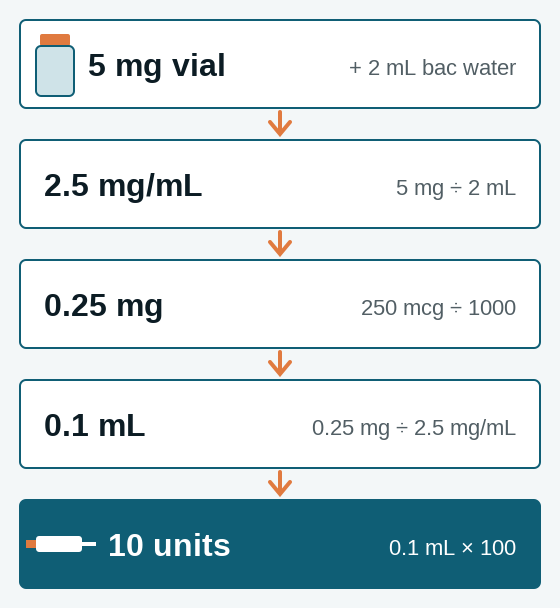
Beneath the syringe, a breakdown panel shows four derived values: concentration in mg/mL, volume per dose in mL, the total number of doses the vial contains, and mcg per unit (how much peptide each unit on the barrel holds). A collapsible “Show Calculation” section walks through the formula step by step — concentration equals peptide divided by water, dose in mg equals mcg divided by 1000, volume equals dose divided by concentration, and units equals volume times 100.
If the calculated dose exceeds the syringe capacity — say 60 units on a 30-unit syringe — a warning flags it immediately and suggests either a larger syringe or a lower dose. Sub-half-unit doses also get flagged, since most standard syringes can’t measure below 0.5 units reliably.
What Happens When the Numbers Are Unusual?
Edge cases matter with peptide dosing. A very high-concentration reconstitution (say 30 mg in 0.5 mL of water) produces tiny draw volumes — fractions of a unit. The calculator displays these to two decimal places and flags impractical measurements. On the other end, a low-concentration setup with a small syringe might require more units than the syringe holds. Both situations surface a visible warning before you make a mistake.
The copy button exports a clean text summary — units to draw, dose, concentration, doses per vial, and all input parameters — so you can paste it into a notes app or message it to yourself as a reference. Previous calculations are kept in a local history list that stores the last five results, each loadable with one tap.
Numbers you can check by hand
These are the setups I run through the peptide calculator after every change, each one worked out by hand first. Units are rounded to two decimals, exactly as the result card shows them.
| Syringe | Vial | Water | Dose | Units | Doses per vial | Note |
|---|---|---|---|---|---|---|
| 1 mL, U-100 | 5 mg | 2 mL | 250 mcg | 10 | 20 | the default setup |
| 1 mL, U-100 | 10 mg | 3 mL | 333 mcg | 9.99 | 30 | |
| 0.3 mL, U-100 | 2 mg | 1 mL | 250 mcg | 12.5 | 8 | |
| 0.3 mL, U-100 | 15 mg | 2 mL | 2500 mcg | 33.33 | 6 | warning: exceeds 30 units |
| 1 mL, U-100 | 30 mg | 0.5 mL | 50 mcg | 0.08 | 600 | warning: under 0.5 units |
| 1 mL, U-100 | 1.2 mg | 1 mL | 100 mcg | 8.33 | 12 | exactly twelve 100 mcg doses |
| 1 mL, U-40 | 5 mg | 2 mL | 250 mcg | 4 | 20 | same 0.1 mL as row 1 |
In reverse mode (Dose from units), 10 units drawn from 10 mg in 2 mL on a U-100 syringe is 0.1 mL, which is 500 mcg. The Share link button puts the whole setup into the page address, so the same calculation opens again on another device or from a note. Three guides go further: how much bacteriostatic water to add to a peptide vial, how to read an insulin syringe, U-100 vs U-40 and mg, mcg and syringe units in both directions.
Guides
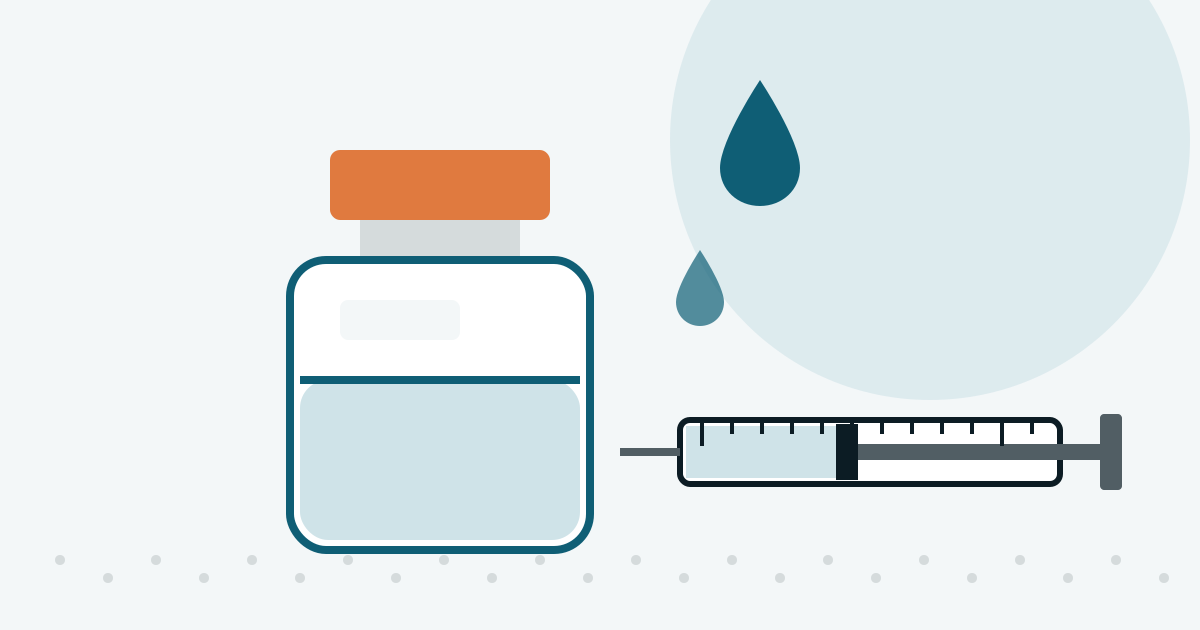 How much bacteriostatic water to add to a peptide vialWater changes the concentration, not the peptide. A mixing table for 2–15 mg vials and a rule for landing every dose on a readable mark.7-minute read
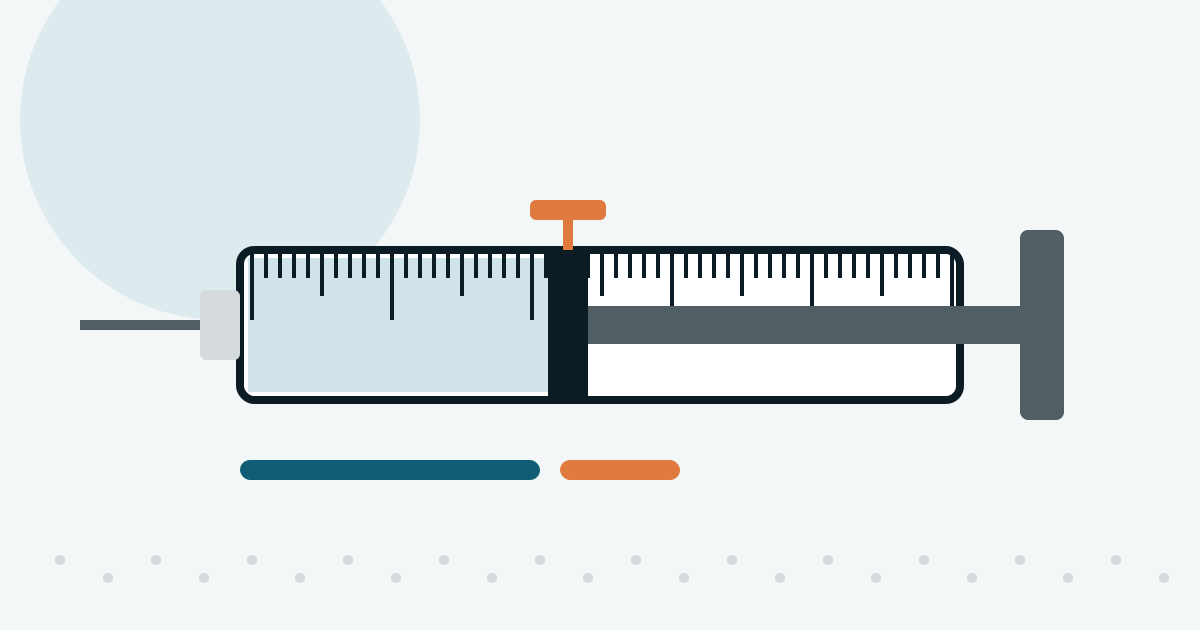 How to read an insulin syringe: 30, 50 and 100 units, U-100 vs U-40One line is 2 units on a 1 mL barrel and half a unit on many 0.3 mL ones. Reading the stopper, tick tables and the U-40 vs U-100 trap.5-minute read
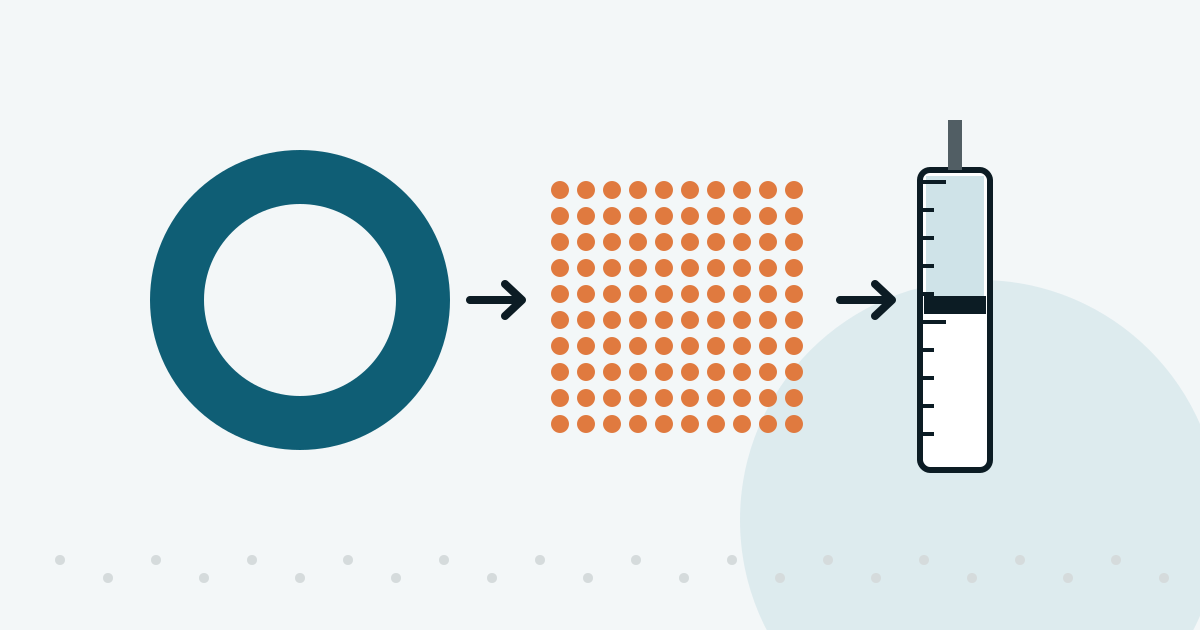 mg, mcg and syringe units: how many mcg is 10 units?Ten units is 0.1 mL; the mcg depend on the vial. Conversions both ways, a units-to-mcg table and the mcg-per-unit shortcut.5-minute read
Frequently asked
How does the peptide calculator determine syringe units?
It divides the peptide amount by the water volume to get concentration in mg/mL, then divides your desired dose by that concentration to get the volume in mL. That volume is multiplied by 100 to convert to insulin syringe units, since standard U-100 insulin syringes use 100 units per mL regardless of their total capacity.
Can I enter doses in milligrams instead of micrograms?
Yes. A unit toggle next to the dose presets switches between mcg and mg. When you switch, any entered value converts automatically — 500 mcg becomes 0.5 mg and vice versa. The preset buttons update to match the selected unit.
Why does the syringe visualization change when I pick a different syringe size?
Each syringe size has a different unit scale. A 0.3 mL syringe has 30 units total with finer tick marks, while a 1.0 mL syringe has 100 units. The graphic redraws to match your actual syringe so the fill level corresponds to what you see in your hand.
What does the warning about exceeding syringe capacity mean?
It means the calculated dose requires drawing more units than your selected syringe can hold. For example, a dose requiring 60 units won’t fit in a 0.3 mL (30 unit) syringe. Either switch to a larger syringe, reduce the dose, or, next time you reconstitute, use less water so the concentration is higher and the same dose takes fewer units.
How many doses will I get from one vial?
The calculator shows this in the breakdown panel. It divides the total peptide in the vial by your dose per injection. A 10 mg vial at 250 mcg per dose gives 40 doses. This count assumes no waste from dead space in the syringe needle.
Does the calculator store my previous calculations?
The last five unique calculations are saved in your browser’s local storage and appear in a collapsible history section. Each entry shows the result and parameters, and can be loaded back with one click. A Clear All button removes the entire history.